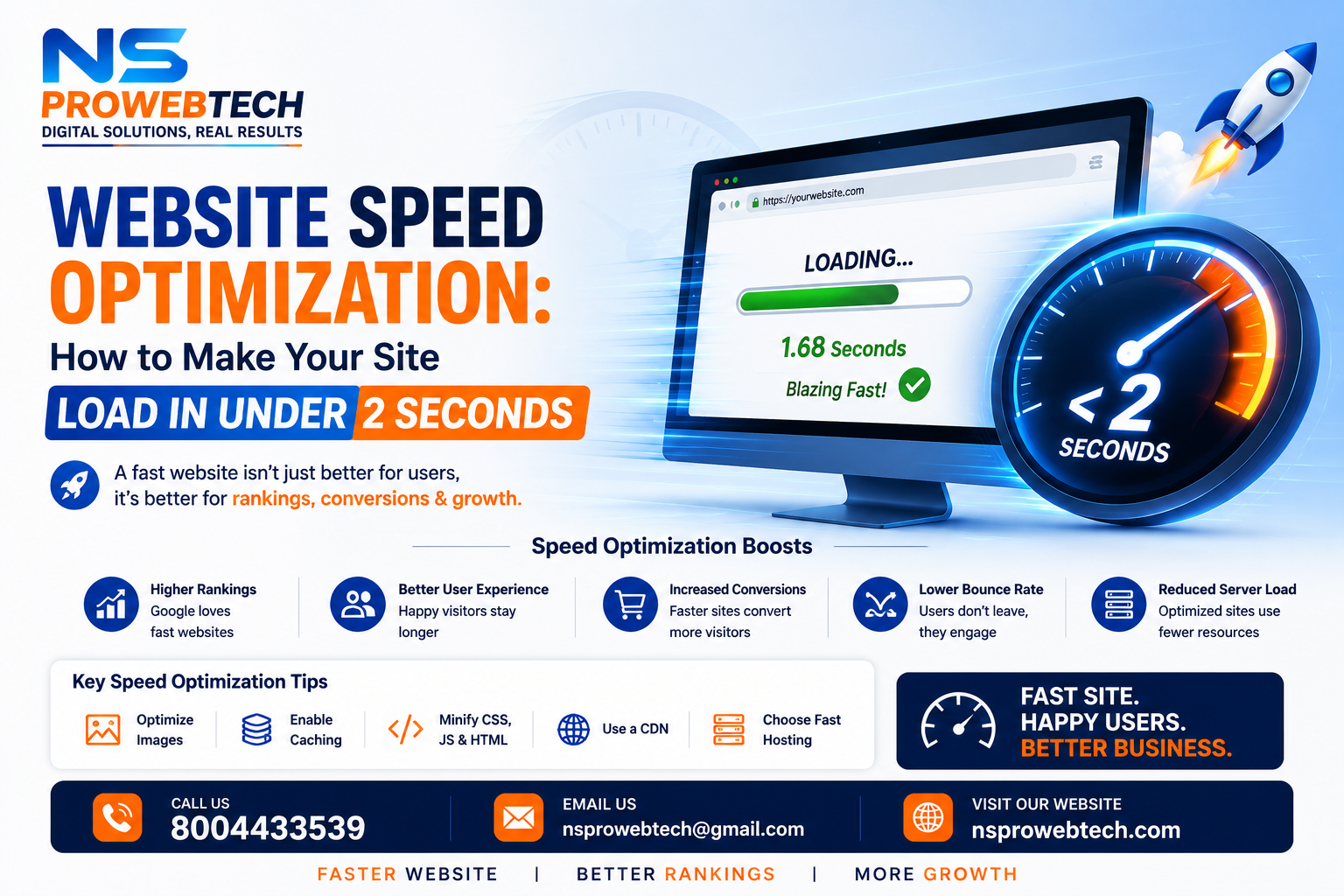
Introduction
Every second of delay on your website costs you customers. Amazon calculated that a 1-second delay would cost them $1.6 billion in sales per year. For small businesses, the impact is even more severe.
At NSproWebtech, we've optimized 100+ websites for speed. In this guide, we'll share 10 proven techniques to make your website load in under 2 seconds.
Why Website Speed Matters in 2026
Speed isn't just about user experience—it's a ranking factor. Here's what the data shows:
- ⚡ 53% of mobile users abandon sites that take over 3 seconds to load
- 📉 A 1-second delay reduces conversions by 7%
- 🏆 Google uses Core Web Vitals (including speed) as ranking signals
- 💰 Faster websites generate 2x more revenue per visitor
How Fast Should Your Website Be?
Google's recommendations for 2026:
| Metric | Good | Needs Improvement |
|---|---|---|
| LCP (Largest Contentful Paint) | < 2.5s | > 4s |
| FCP (First Contentful Paint) | < 1.8s | > 3s |
| TBT (Total Blocking Time) | < 200ms | > 600ms |
| CLS (Cumulative Layout Shift) | < 0.1 | > 0.25 |
10 Proven Techniques to Speed Up Your Website
Technique 1: Optimize Your Images (Biggest Impact)
Images are the #1 cause of slow websites. Most websites have images that are way too large.
How to fix:
- Compress images to under 200KB using Squoosh (free Google tool)
- Convert images to WebP format (50% smaller than JPG)
- Always add width and height attributes:
<img src="image.jpg" width="800" height="600"> - Use lazy loading for images below the fold:
<img loading="lazy">
Technique 2: Enable Browser Caching
Browser caching stores your website files on visitors' devices so they don't need to reload everything on each visit.
How to fix (.htaccess file):
<IfModule mod_expires.c>
  ExpiresActive On
  ExpiresByType image/jpg "access plus 1 year"
  ExpiresByType image/jpeg "access plus 1 year"
  ExpiresByType image/png "access plus 1 year"
  ExpiresByType image/webp "access plus 1 year"
  ExpiresByType text/css "access plus 1 month"
  ExpiresByType application/javascript "access plus 1 month"
</IfModule>
Technique 3: Use a Content Delivery Network (CDN)
A CDN stores copies of your website on servers around the world, so visitors get files from the closest location.
Free CDN options:
- Cloudflare (free plan available)
- Bunny CDN (pay-as-you-go, very affordable)
Technique 4: Minify CSS, JavaScript, and HTML
Minification removes unnecessary characters (spaces, comments, line breaks) from your code, making files smaller.
How to fix:
- Use free tools like CSS Minifier and JavaScript Minifier
- Use plugins if you're on WordPress (e.g., WP Rocket, Autoptimize)
- Or ask your developer to minify the files
Technique 5: Reduce Server Response Time (TTFB)
TTFB (Time To First Byte) measures how quickly your server responds. Anything over 200ms is too slow.
How to fix:
- Upgrade your hosting (shared hosting is slow; consider VPS or cloud hosting)
- Use a faster DNS provider (Cloudflare free DNS is excellent)
- Optimize your database (remove old revisions, spam comments, etc.)
Technique 6: Remove Unused CSS and JavaScript
Most websites load CSS and JS files that aren't even being used on that page.
How to fix:
- Use Chrome DevTools (Coverage tab) to find unused code
- Remove unnecessary plugins or modules
- Combine multiple CSS/JS files into one (reduces HTTP requests)
Technique 7: Enable Gzip Compression
Gzip compresses your website files before sending them to browsers.
How to fix (.htaccess file):
<IfModule mod_deflate.c>
  AddOutputFilterByType DEFLATE text/html text/plain text/xml text/css text/javascript application/javascript
</IfModule>
Technique 8: Optimize Your Database
Over time, your database collects junk: old drafts, spam comments, expired transients, and revision history.
How to fix:
- Use phpMyAdmin to optimize tables
- Delete old drafts and spam comments
- Limit post revisions to 3-5 (add to wp-config.php:
define('WP_POST_REVISIONS', 3);)
Technique 9: Lazy Load Images and Videos
Lazy loading means images load only when they're about to appear on screen.
How to fix:
<img src="image.jpg" loading="lazy" alt="description">
<iframe src="video.mp4" loading="lazy"></iframe>
Technique 10: Choose Faster Hosting
Your hosting provider has a massive impact on speed. Cheap shared hosting is usually slow.
Recommended hosting providers:
- Hostinger (budget-friendly, good speed)
- Cloudways (best performance for PHP sites)
- SiteGround (great support, good speed)
- DigitalOcean VPS (for advanced users)
Free Tools to Test Your Website Speed
- Google PageSpeed Insights: pagespeed.web.dev
- GTmetrix: gtmetrix.com
- WebPageTest: webpagetest.org
Website Speed Checklist
| Technique | Status |
|---|---|
| Images optimized (under 200KB, WebP format) | ☐ |
| Browser caching enabled | ☐ |
| CDN enabled (Cloudflare) | ☐ |
| CSS/JS/HTML minified | ☐ |
| Gzip compression enabled | ☐ |
| Lazy loading implemented | ☐ |
| Database optimized | ☐ |
How NSproWebtech Can Help Speed Up Your Website
At NSproWebtech, we offer comprehensive website speed optimization services:
- Speed Audit: We analyze your website and identify all speed issues
- Image Optimization: We compress and convert all images to WebP
- Code Optimization: We minify CSS, JS, and HTML
- Server Optimization: We configure caching, CDN, and Gzip
- Ongoing Monitoring: We track your speed monthly
What Results Can You Expect?
After optimizing your website speed, expect:
- 📈 30-50% improvement in PageSpeed score
- ⚡ Load time reduction from 4-5 seconds to under 2 seconds
- 💰 15-25% increase in conversion rate
- 📊 Higher Google rankings (speed is a ranking factor)
Ready to Speed Up Your Website?
A slow website is costing you customers every single day. Get a professional speed optimization today.
👉 Get a FREE Website Speed Audit from NSproWebtech
Phone: +91 80044 33539
Email: nsprowebtech@gmail.com
Frequently Asked Questions
How much does website speed optimization cost?
Speed optimization packages start from ₹5,000. Contact us for a custom quote.
How long does speed optimization take?
Typically 3-7 business days depending on the complexity of your website.
Will speed optimization affect my website design?
No. We only optimize code and images—your design remains exactly the same, just faster!