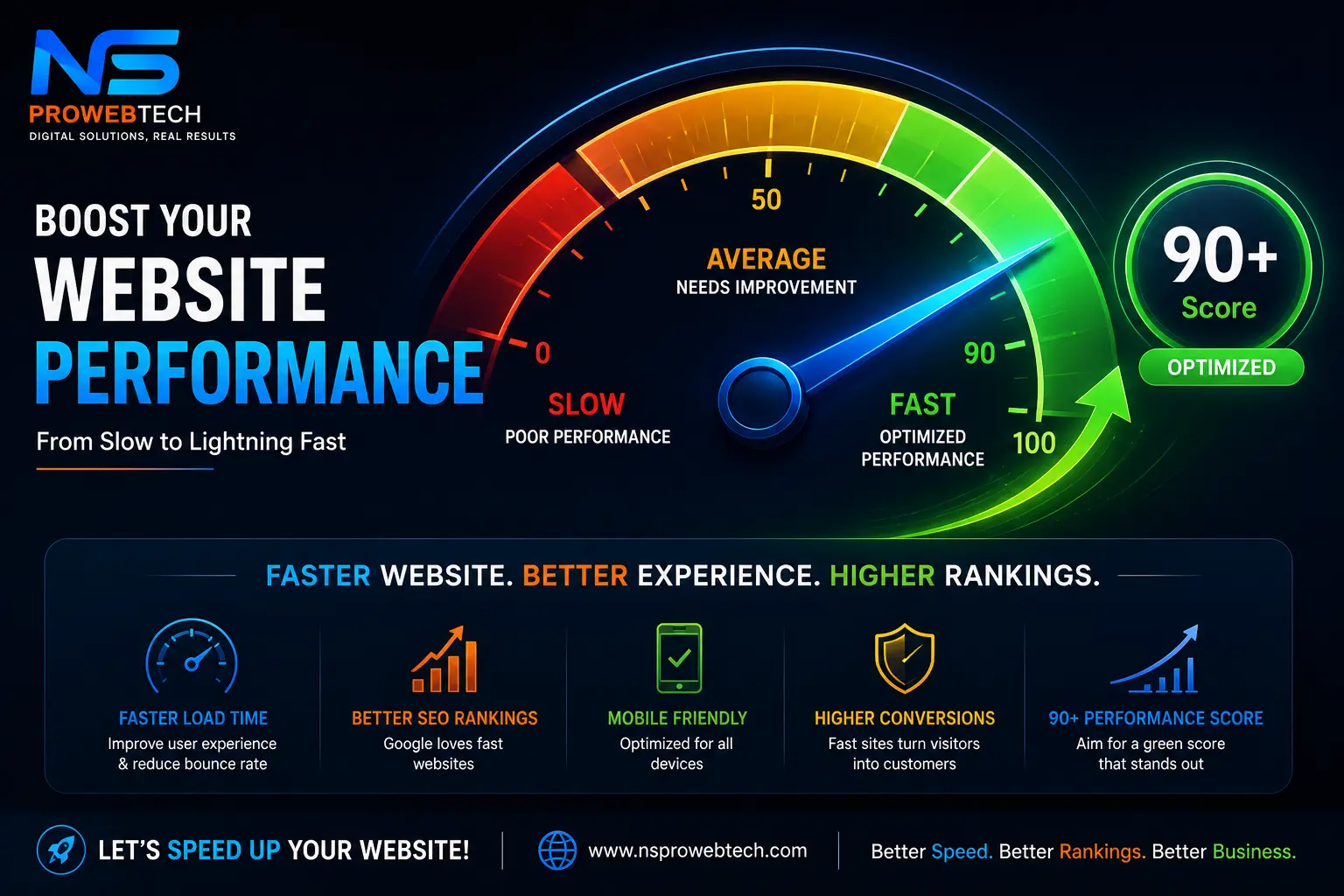
Website speed is no longer just a technical metric—it is a critical factor for user experience, Google rankings, and conversion rates. A delay of just 1 second in page response can result in a 7% reduction in conversions.
If your website is struggling with low PageSpeed scores, follow this step-by-step optimization roadmap:
1. Convert Images to Next-Gen Formats (WebP)
Unoptimized images are the #1 cause of slow loading times. Replace traditional JPEG/PNG formats with WebP, which offers high quality at a fraction of the file size.
2. Fix Largest Contentful Paint (LCP)
LCP measures how quickly the main element (like a hero banner) loads. Preload your hero image using <link rel="preload"> and add fetchpriority="high" to prioritize its download.
3. Eliminate Cumulative Layout Shift (CLS)
Prevent content from jumping around as the page loads by defining explicit width and height attributes on all images and video containers.
4. Leverage Browser Caching and Compression
Enable Gzip or Brotli compression on your server, and set up proper cache headers for CSS, JavaScript, and media assets using your .htaccess file.
5. Remove Render-Blocking Scripts
Defer non-essential JavaScript execution until after the critical page content has fully rendered.
Want a 90+ PageSpeed Score Without Breaking Your Site?
Let the experts at NSproWebTech optimize your website performance. We specialize in speed optimization, custom code cleanup, and Core Web Vitals fixes.